





Training options for your BD FACSDiscover™ A8 Cell Analyzer include hands-on instructor-led training as well as product resources to suit all your training needs.
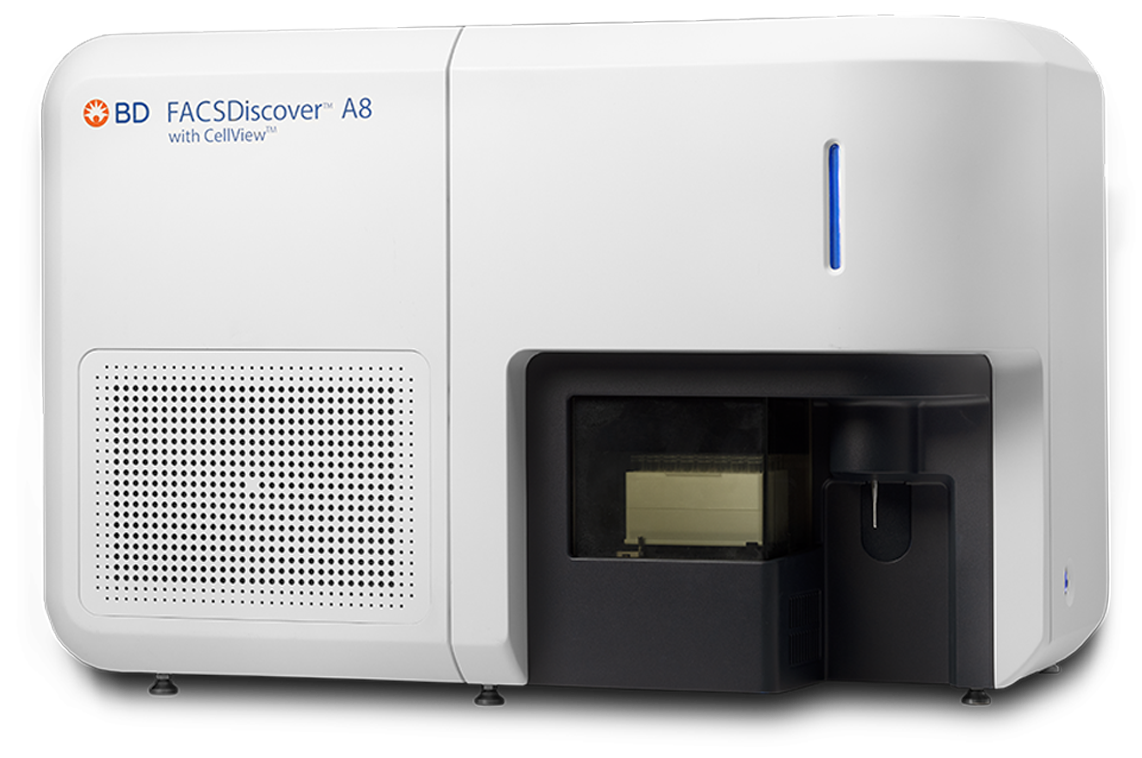


View self-paced e-Learning to learn more about your instrument and software. Use our self-paced courses as an introduction to a topic and check what you have learned by taking a short quiz at the end of each course.
BD FACSDiscover™ A8 Cell Analyzer: System overview
This course provides an overview of the BD FACSDiscover™ A8 Cell Analyzer with BD CellView™ and BD SpectralFX™ Technologies, including the basic features and functionality of BD FACSChorus™ Software.
After you complete this course, you should be able to:
- Identify the major hardware components.
- Describe the basics of the fluidics, optics and electronics subsystems.
- Browse the main pages in the software.
- Explain the setup and QC procedure.
- Describe the basic experiment workflow.
- Describe the system startup and shutdown options.
BD CellView™ Image Technology overview
This course provides a general overview of BD CellView™ Image Technology including using different imaging features and views of the image wall in BD FACSChorus™ Software.
After you complete this course, you should be able to:
- Describe the basics of the imaging laser and optics.
- Describe the imaging parameters and features.
- Browse the image wall in BD FACSChorus™ Software.
Our operator training is designed to quickly get you up and running on your instrument. It provides hands-on time and an opportunity to get comfortable with the software and the cytometer's day-to-day operation.
BD FACSDiscover™ A8 Cell Analyzer Operator Training
We offer in-person training at your lab. This operator course will provide you with the practical knowledge and skills to operate and maintain your cytometer, including:
Topics Covered:
- General principles of flow cytometry, spectral and imaging concepts
- Basics of spectral unmixing, data acquisition and analysis, and data management using BD FACSChorus™ Software
- Principles of BD CellView™ Image Technology, including using different imaging features and views of the image wall
- Maintenance, quality control and troubleshooting common hardware and software issues
Intended Audience: New operators or operators who have not had formal training on this cytometer.
Prerequisites: None
Virtual Training:
Training delivered online through a web conferencing application. This training will use the instrument and software in your lab.
Location: Online
Custom training at your site:
Pre-arrange with the instructor the topics and number of training days needed. Choose the topics for your training from the list of available training topics.
To get the most out of training, hands-on practice is limited to a maximum of two participants for the training session.
If more than two participants require hands-on training, purchase additional days of training.

Job Aids
Use these resources to learn more about your cytometer.
Startup and Shutdown
BD FACSDiscover™ A8 Cell Analyzer: Performing a system startup
BD FACSDiscover™ A8 Cell Analyzer: Performing a daily clean and system shutdown
Workflow
BD FACSDiscover™ A8 Cell Analyzer: Creating an experiment
BD FACSDiscover™ A8 Cell Analyzer: Adjusting the settings
BD FACSDiscover™ A8 Cell Analyzer: Setting up and recording single-stained controls
BD FACSDiscover™ A8 Cell Analyzer: Recording and analyzing data
BD FACSDiscover™ A8 Cell Analyzer: Managing data
BD FACSDiscover™ A8 Cell Analyzer:Performing spectral re-unmixing
BD FACSDiscover™ A8 Cell Analyzer:Running samples with the loader
BD FACSDiscover™ A8 Cell Analyzer:Setting up and recording single-stained controls using the loader
Maintenance
BD FACSDiscover™ A8 Cell Analyzer:Performing a monthly clean
Video
BD FACSDiscover™ A8 Cell Analyzer: Replacing the sample line.
Product page
Visit the product page of your cytometer for a full list of available resources.
Class I Laser Product. For Research Use Only. Not for use in diagnostic or therapeutic procedures.