





Training options for your BD FACSDiscover™ A8 Cell Analyzer include hands-on instructor-led training as well as product resources to suit all your training needs.
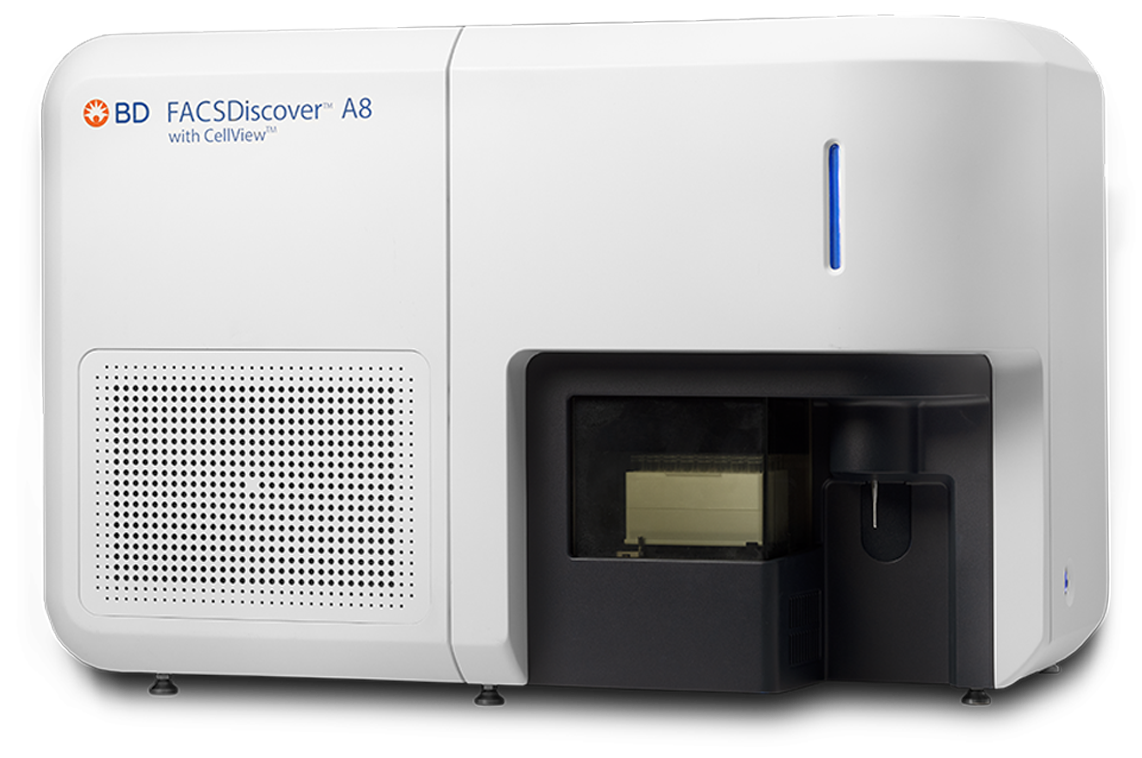


View self-paced e-Learning to learn more about your instrument and software. Use our self-paced courses as an introduction to a topic and check what you have learned by taking a short quiz at the end of each course.
BD FACSDiscover™ A8 Cell Analyzer: System overview
This course provides an overview of the BD FACSDiscover™ A8 Cell Analyzer with BD CellView™ and BD SpectralFX™ Technologies, including the basic features and functionality of BD FACSChorus™ Software.
After you complete this course, you should be able to:
- Identify the major hardware components.
- Describe the basics of the fluidics, optics and electronics subsystems.
- Browse the main pages in the software.
- Explain the setup and QC procedure.
- Describe the basic experiment workflow.
- Describe the system startup and shutdown options.
BD CellView™ Image Technology overview
This course provides a general overview of BD CellView™ Image Technology including using different imaging features and views of the image wall in BD FACSChorus™ Software.
After you complete this course, you should be able to:
- Describe the basics of the imaging laser and optics.
- Describe the imaging parameters and features.
- Browse the image wall in BD FACSChorus™ Software.
Job Aids
Use these resources to learn more about your cytometer.
Startup and Shutdown
BD FACSDiscover™ A8 Cell Analyzer: Performing a system startup
BD FACSDiscover™ A8 Cell Analyzer: Performing a daily clean and system shutdown
Workflow
BD FACSDiscover™ A8 Cell Analyzer: Creating an experiment
BD FACSDiscover™ A8 Cell Analyzer: Adjusting the settings
BD FACSDiscover™ A8 Cell Analyzer: Setting up and recording single-stained controls
BD FACSDiscover™ A8 Cell Analyzer: Recording and analyzing data
BD FACSDiscover™ A8 Cell Analyzer: Managing data
BD FACSDiscover™ A8 Cell Analyzer:Performing spectral re-unmixing
BD FACSDiscover™ A8 Cell Analyzer:Running samples with the loader
BD FACSDiscover™ A8 Cell Analyzer:Setting up and recording single-stained controls using the loader
Maintenance
BD FACSDiscover™ A8 Cell Analyzer:Performing a monthly clean
Video
BD FACSDiscover™ A8 Cell Analyzer: Replacing the sample line.
Product page
Visit the product page of your cytometer for a full list of available resources.